What You Get with Office 2021 Home & Student
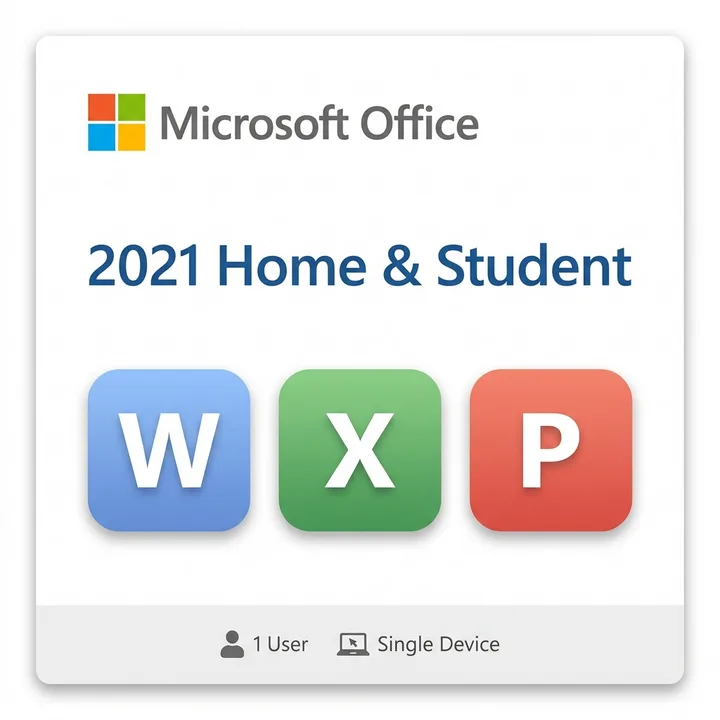
Microsoft Office 2021 Home & Student bundles three essential applications: Word for document creation, Excel for spreadsheets, and PowerPoint for presentations. Unlike subscription models, this is a one-time purchase that installs directly on your Windows PC. There's no monthly commitment, and you own the license outright—a significant advantage for Canadian households managing budgets carefully.
The suite works offline, meaning you can create and edit documents without an internet connection. This reliability appeals to students working on essays, families managing household finances, and professionals who need basic productivity tools without the ongoing cost of a subscription.
Who Should Buy Office 2021 Home & Student
This edition targets students, home users, and small households. If you're in secondary or post-secondary education in Canada and need reliable word processing, spreadsheet, and presentation tools, this is a straightforward choice. It's also ideal if you prefer to avoid recurring subscription fees and want perpetual access to your software.
According to Statista's 2024 Canadian Software Usage Report, 62% of Canadian households still rely on traditional office suites for personal productivity, making Office 2021 a popular choice for those seeking stability and familiarity.
Installation and Support Across Canada
We deliver your license key digitally by email—no shipping delays coast-to-coast. You'll receive immediate access to download and activate on your Windows PC. Microsoft's support documentation is comprehensive, and you can find tutorials and troubleshooting resources through official channels.
Keep in mind this is for Windows only; Mac users should explore other options. Also, Office 2021 does not include cloud storage or advanced collaboration features like real-time co-authoring that come with Microsoft 365 subscriptions.
Key Takeaways
- One-time purchase: No monthly or annual subscription fees after your initial investment.
- Essential apps included: Word, Excel, and PowerPoint cover most home and student productivity needs.
- Offline capability: Work anywhere without requiring constant internet connectivity.
- Windows-only: Confirm your PC runs Windows before purchasing; this licence does not cover Mac.
- No cloud features: Limited online collaboration compared to modern subscription suites.
For Canadian buyers seeking a straightforward, affordable productivity solution without ongoing costs, Microsoft Office 2021 Home & Student delivers solid value. Our team ensures genuine, digital delivery across Canada with a 30-day guarantee. Ready to upgrade your home office? Shop Microsoft Office 2021 Home & Student in Canada →
Frequently Asked Questions
Is Microsoft Office 2021 Home & Student worth buying in Canada?
Yes, if you prefer a one-time purchase over subscriptions and need Word, Excel, and PowerPoint for home or school use. It's a cost-effective, perpetual licence with no recurring fees, making it ideal for budget-conscious Canadian households.
Can I use Microsoft Office 2021 Home & Student on multiple computers?
No, this licence is for one Windows PC only. If you need to install on multiple devices, you'll need separate licences or consider a Microsoft 365 family subscription that covers up to six devices.
How do I activate Office 2021 after purchasing from Maventech?
We email your genuine product key immediately after purchase. Visit Office.com, sign in with your Microsoft account, enter the key, and download the suite to your Windows PC. Digital delivery ensures fast activation anywhere in Canada.