Understanding the Office 2024 device limit for installation is crucial for households and small businesses planning their software licensing strategy.
What Is the Office 2024 Device Limit?
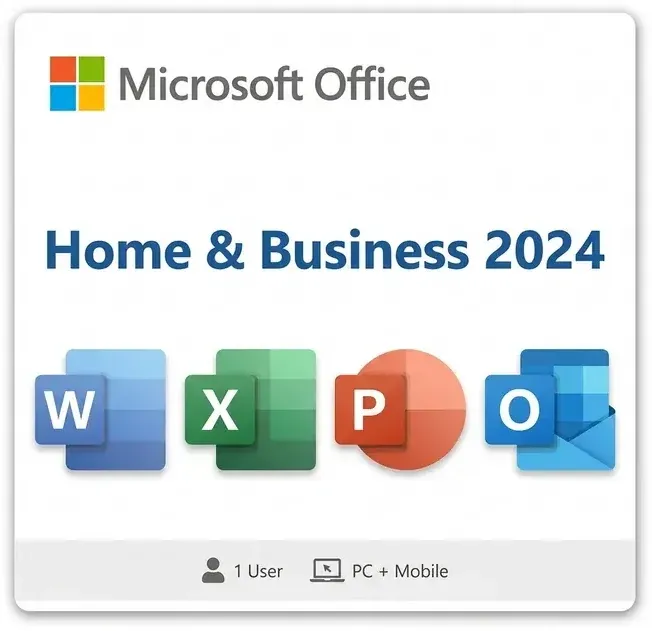
Microsoft Office 2024 comes with specific device installation limits depending on which version you purchase. The most common consumer edition—Microsoft Office Home & Business 2024—allows you to install the software on up to one device per license. This means one license covers one PC or Mac, not multiple machines.
If you need to use Office 2024 across several computers, you'll need to either purchase additional licenses or consider a subscription-based solution like Microsoft 365, which offers more flexibility for multi-device scenarios.
Understanding Single-Device Licensing for Office 2024
The Office 2024 installation limit of one device per license reflects Microsoft's perpetual licensing model. Unlike subscription services, you're purchasing a one-time license tied to a single machine rather than a user account across multiple devices.
This approach means:
- You own the software outright—no recurring subscription fees
- The license remains valid as long as you keep that device
- You cannot transfer the installation to a different PC without purchasing a new license
- Sharing the license across multiple household computers requires separate purchases
Office 2024 Device Limit vs. Microsoft 365 Subscriptions
If the Office 2024 device limit feels restrictive, Microsoft 365 subscriptions offer a compelling alternative. Microsoft 365 Personal allows installation on up to five devices simultaneously, with the ability to use the software on multiple machines at the same time.
Key differences include:
- Perpetual License (Office 2024): One device, one-time payment, no recurring costs
- Microsoft 365 Subscription: Up to five devices, monthly/annual renewal, cloud storage included, automatic updates
- Home/Business Edition: Best for single-PC users seeking permanent ownership
- Microsoft 365 Family: Ideal for households needing multi-device access and shared benefits
Can You Install Office 2024 on Multiple PCs?
Technically, you cannot legally install a single Office 2024 Home & Business license on multiple PCs. Doing so would violate Microsoft's End User License Agreement. Each PC requires its own separate license.
However, if you own multiple computers in your household or business, you have legitimate options:
- Purchase separate Office 2024 licenses for each device
- Switch to Microsoft 365, which covers multiple devices under one subscription
- Use one PC as your primary Office machine and share documents via cloud services like OneDrive
- Explore volume licensing options if you're managing devices for a small business
How to Manage Multiple Devices Within the Office 2024 Device Limit
If you're working across multiple computers but have only one Office 2024 license, strategic use of cloud tools can help maximize productivity. Microsoft's cloud ecosystem provides seamless document sharing and access without violating licensing terms.
Best practices include:
- Store documents in OneDrive or SharePoint for access across devices
- Use the free Microsoft Office web apps for viewing and light editing on unlicensed devices
- Install Office 2024 on your primary work or home computer
- Consider Microsoft 365 if you frequently need desktop app access on multiple machines
- Use Microsoft Teams for collaborative work across different computers
Licensing Best Practices for Your Needs
Choosing between Office 2024's single-device model and multi-device subscription options depends on your specific situation. Evaluate how many computers actually need full Office functionality versus cloud-based access.
For most households, Office 2024 PC editions work well when one person primarily uses the software on one machine. Small offices with multiple employees or multi-computer setups typically benefit more from Microsoft 365 licensing, which simplifies compliance and provides consistent functionality across devices.
Frequently Asked Questions
Can I install Office 2024 on my laptop and desktop?
No, a single Office 2024 license covers only one device. You would need to purchase separate licenses for your laptop and desktop, or switch to Microsoft 365 for multi-device access.
What happens if I install Office 2024 on two computers?
Installing one license on multiple devices violates Microsoft's terms. While it may technically work initially, you risk license deactivation. Microsoft's activation system may prevent one or both installations from functioning properly.
Is Microsoft 365 better than Office 2024 for multiple devices?
For multi-device scenarios, yes. Microsoft 365 allows up to five simultaneous installations, includes cloud storage, and provides automatic updates—making it ideal for households or small teams needing flexibility.
Can I transfer my Office 2024 license to a different computer?
Office 2024 licenses are tied to the device where you first install them. You cannot transfer the license to a new computer without purchasing a new license or deactivating and reinstalling (which may not be permitted under your agreement).
What's the cheapest way to get Office on multiple PCs?
If you have 2–3 devices, purchasing separate Office 2024 licenses may be cost-effective. For 4+ devices or frequent switching, Microsoft 365 subscriptions typically offer better long-term value with broader features and cloud benefits.
Understanding the Office 2024 device limit helps you make the right licensing choice for your household or business. Whether you opt for perpetual Office 2024 licenses or flexible Microsoft 365 subscriptions, ensure your setup complies with Microsoft's terms and meets your productivity needs.